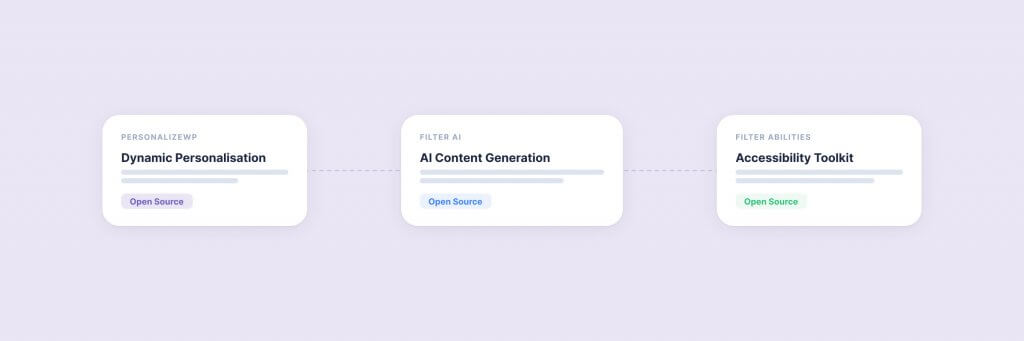
In 2020, we released a WordPress plugin and charged nothing for it. PersonalizeWP gave WordPress site owners the ability to personalise content for different visitor segments — something that previously required a six-figure DXP platform or a custom build. Four years later, that plugin won Gold at the BIMA Awards. We have since released two more open-source tools — Filter AI and Filter Abilities — and we have no plans to stop. People occasionally ask why a 45-person agency would invest thousands of development hours into software it gives away. This is our answer.
It Started with a Gap We Kept Running Into
Every enterprise client conversation in 2019 and 2020 included the same question: can WordPress do personalisation? The honest answer was no — not without bolting on expensive third-party platforms that were designed for Sitecore or Adobe, not WordPress. The budget for a DXP-grade personalisation layer often exceeded the cost of the WordPress build itself. Clients who could not justify that spend settled for a static, one-size-fits-all experience.
We decided to fix it. Not as a consulting engagement. Not as a premium add-on. As a free, open-source WordPress plugin that any site owner could install in two minutes.
That decision shaped everything that followed.
PersonalizeWP: The One That Proved the Model
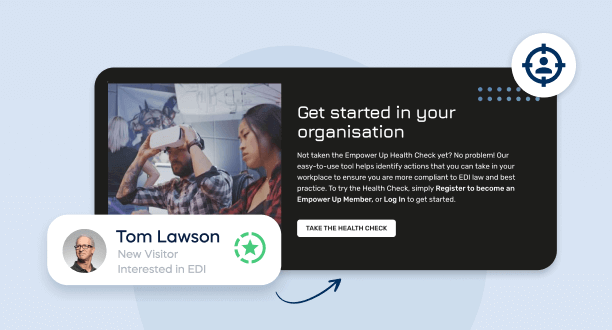
PersonalizeWP lets you show or hide any block in the WordPress editor based on who is visiting. Geography, referral source, time of day, returning versus new visitor, device type, browsing behaviour — the plugin builds a profile for every visitor and lets you create content rules around it. No code required. No separate platform. No additional hosting cost.
We launched the first version (originally called WP-DXP) in June 2020. It was rough. The feature set was narrow. But it solved a real problem, and the WordPress community responded. Downloads grew. Feature requests came in. We iterated — version after version, year after year — adding audience segmentation, lead scoring, content variations, product collections for WooCommerce, and integrations with the block editor that made personalisation feel native rather than bolted on.
None of that would have happened if we had kept it behind a paywall.
Filter AI: Solving the Problem Nobody Wanted to Admit They Had
Every WordPress site has the same dirty secret: hundreds of images without alt text, dozens of posts with missing meta descriptions, pages with titles that were written in a rush and never revisited. The work is tedious. Nobody budgets for it. It gets pushed to the bottom of every sprint.
We built Filter AI to solve exactly this. The plugin generates alt text for images, writes SEO-ready titles and meta descriptions, creates FAQ schema, checks grammar, and produces content summaries — all from within the WordPress block editor. It connects to the provider of your choice (OpenAI, Anthropic, or others) and runs directly in your admin. No external platform. No per-use fees from us.
We launched Filter AI in May 2025 and presented it at WPLDN that July. By version 1.5, it had become the tool we use internally on every client project to backfill missing metadata and ensure every page meets our SEO baseline before launch. We released each update publicly because the same problems exist on every WordPress site — not just the ones we build.
Using the WordPress Abilities API
How We Connected WordPress to AI Using the Abilities API and MCP.
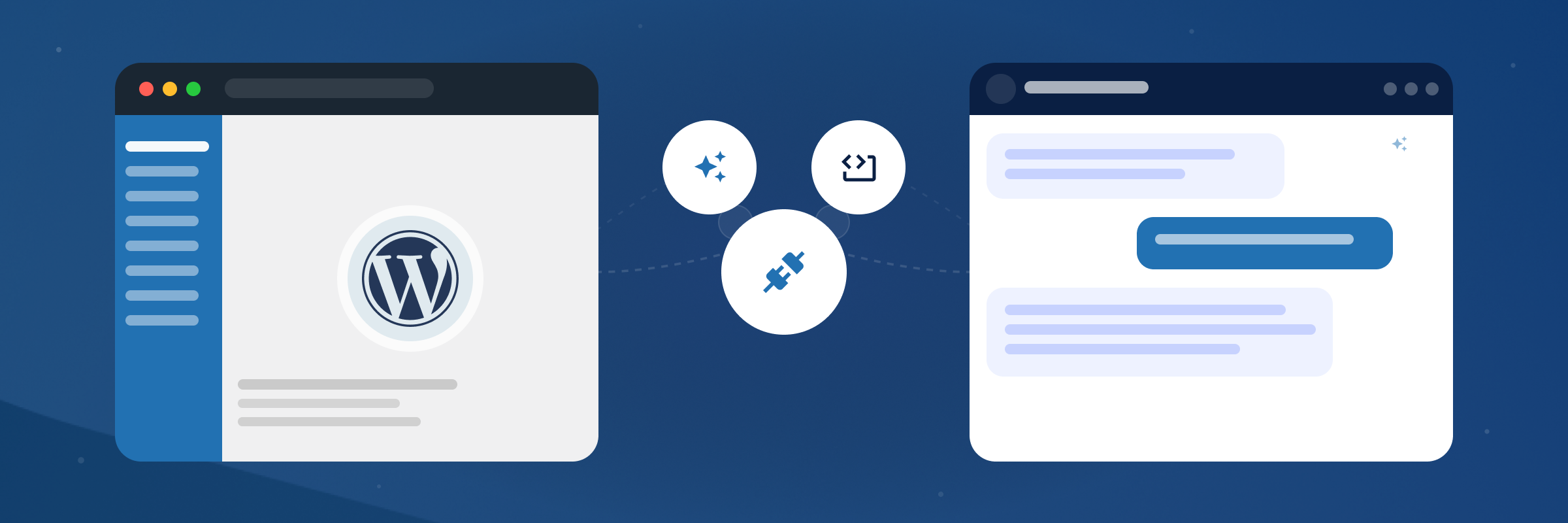
When WordPress 6.9 shipped the Abilities API in late 2025, we saw the next gap. The API created a standard way for plugins to register what they can do in a machine-readable format. Combined with the Model Context Protocol (MCP), it meant AI assistants could — in theory — talk directly to a WordPress site. But nobody had built the abilities worth talking to.
So we did. Filter Abilities registers 36 abilities across content management, taxonomy handling, media library operations, Yoast SEO integration, Gravity Forms access, batch operations via Filter AI, and the full PersonalizeWP feature set. Once installed alongside the WordPress MCP Adapter, an AI assistant like Claude can manage content, audit SEO metadata, query visitor analytics, and create draft posts — all through natural conversation.
We released it on GitHub in April 2026. Open source, like everything else we build.
Why We Actually Do This
There are plenty of respectable-sounding reasons an agency might release open-source tools. Brand awareness. Thought leadership. Lead generation. Those are real, and we would be dishonest to pretend they are not part of the picture. But they are not why we started, and they are not what keeps us going.
Here is what actually drives it.
WordPress Gave Us a Business. We Want to Give Something Back.
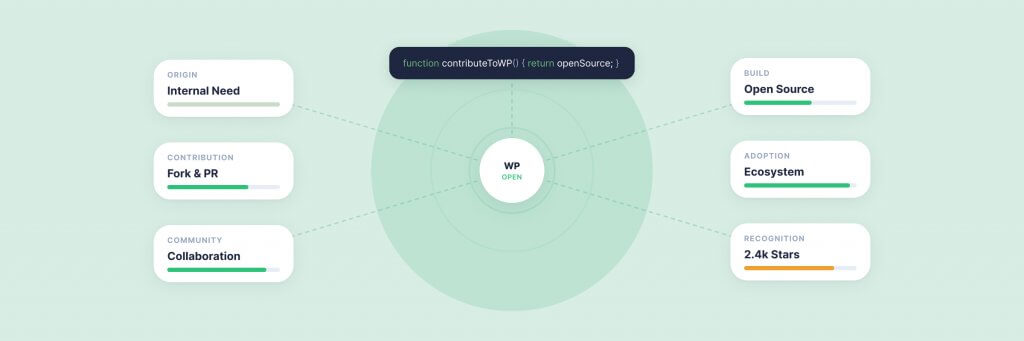
Filter exists because WordPress exists. We have built our agency — now 45 people, nine years old, working with clients like JD Wetherspoon and Medivet — on an open-source platform that cost us nothing to use. The WordPress community’s contribution ethos, embodied by initiatives like Five for the Future, is not abstract to us. It is the ecosystem that supports our livelihood. Contributing tools back is the minimum we owe.
Building Products Makes Us Better at Building for Clients.
Client work operates within defined scopes and timelines. Product development operates differently — you are responsible for every decision, every edge case, every user who files a support ticket. Maintaining PersonalizeWP across thousands of WordPress installations teaches our development team things that no single client project can. Compatibility testing, performance at scale, backward compatibility, graceful degradation, plugin conflict resolution — these are skills that flow directly back into the enterprise sites we build. Our plugin development service exists because we practise what we sell.
Free Tools Reach People Who Would Never Find Us Otherwise.
A mid-market business evaluating WordPress personalisation will likely discover PersonalizeWP on the WordPress plugin directory long before they discover Filter’s services pages. When they outgrow what a free plugin can deliver on its own — when they need a personalisation strategy, a content model, a complete platform build — they already know who built the tool they trust. This is not a cynical funnel. It is how relationships form when you lead with value rather than a sales pitch.
Open Source Forces Honesty.
When your code is public, you cannot hide behind marketing. The quality of your engineering, the clarity of your documentation, the responsiveness of your issue tracking — all of it is visible. Every agency claims to write clean, well-architected code. Open-sourcing our plugins means anyone can verify that claim. It keeps us accountable in a way that private client repositories never can.
Six Years of Open-Source Work: What We Have Learned
Building open-source tools as a services agency is not straightforward. The incentives sometimes pull in opposite directions. Here is what six years of doing it has taught us.
Maintenance is the real commitment. Releasing a plugin is exciting. Maintaining it across WordPress core updates, PHP version changes, plugin conflicts, and evolving user expectations is where the work actually lives. PersonalizeWP has been through more than a dozen significant updates since launch. Each one required development time that could have gone to billable client work. If you are not prepared to maintain what you release, do not release it.
Community feedback is brutally honest — and invaluable. When thousands of people use your plugin on sites you have never seen, in configurations you never imagined, bugs you missed in testing surface quickly. Every support ticket is a lesson. Every feature request reveals an assumption you made about how people work. This feedback loop has made our plugins better, and it has made us better at scoping and building enterprise WordPress projects.
You have to protect your team’s time. Open-source enthusiasm can become a resource drain if you are not disciplined about it. We dedicate specific development capacity to plugin work — it is not something that happens in the gaps between client projects. It has its own roadmap, its own sprint cycles, and its own accountability. Without that structure, the quality of both the plugins and the client work suffers.
The commercial return is real but indirect. We have never tracked a direct line from “downloaded PersonalizeWP” to “signed a six-figure enterprise contract.” It does not work like that. What we can track is recognition: the BIMA Gold, the Drum Awards Bronze for Digital Experience Partner of the Year, the UK Digital Excellence Awards shortlist. Those recognitions came because we built something real and gave it away. That reputation is worth more than any marketing campaign we could have run instead.
Why We Think More WordPress Agencies Should Build Open-Source Tools
WordPress powers over 40% of the web because its ecosystem is open. Themes, plugins, documentation, community events — all of it depends on people and organisations contributing back. Agencies are uniquely positioned to do this well. We work across dozens of client sites. We see recurring problems that no single organisation would prioritise solving. We have the engineering talent to build solutions and the operational scale to maintain them.
The WordPress community’s Five for the Future initiative asks organisations that benefit from WordPress to contribute 5% of their resources back. Building and maintaining open-source tools is one of the most impactful ways to meet that commitment. It is also, frankly, one of the most rewarding — watching something you built get used by people you will never meet, solving problems you care about, in a community you belong to.
Not every agency has the capacity to maintain a plugin with thousands of active installations. But every agency has encountered a problem worth solving in public. A starter theme. A deployment script. A block pattern library. A migration utility. The WordPress plugin directory has over 60,000 entries, but many of the most useful tools were built by agencies scratching their own itch and sharing the result.
PersonalizeWP — Free WordPress Personalisation
Show the right content to the right visitor in the right language. PersonalizeWP works alongside WPML and other multilingual plugins to deliver region-specific, personalised experiences — completely free.
We are not finished. The WordPress ecosystem is evolving faster than it has in years — the Abilities API, the block editor reaching full maturity with full site editing, the growing importance of generative engine optimisation, the emergence of agentic workflows where AI tools interact with websites as conversational partners. Each of these shifts creates new gaps, new problems that existing tools do not solve, and new opportunities to build something useful and share it.
PersonalizeWP will continue to evolve. Filter AI will add capabilities as WordPress content workflows change. Filter Abilities will grow as the Abilities API matures in WordPress 7.0 and beyond. And there will almost certainly be a fourth tool — and a fifth — because the same instinct that started all of this has not gone away: if we keep running into a problem, and the WordPress community would benefit from a solution, we would rather build it than wait for someone else to.
If you are using any of our tools and want to contribute — code, bug reports, feature suggestions, or just a note saying what you have built with them — you can find us on GitHub. If you are interested in how we apply these tools within enterprise WordPress projects, our AI and personalisation services and plugin development services pages cover what we offer. And if you want to stay up to date with what we release next, get in touch — we would love to hear from you.
Having worked in agencies since he left university, Paul drives both the technical output at Filter, as well as being responsible for planning. His key strengths are quickly understanding client briefs and being able to communicate complex solutions in a clear and simple manner.
Our guide shows digital leaders and development teams how structured data earns AI citations now that systems like ChatGPT and AI Overviews, not rich results, decide visibility.
Download our practical guide to AI and WordPress, covering the new Abilities API, MCP Adapter and AI Client in core, plus how to prepare your platform for the agentic web.
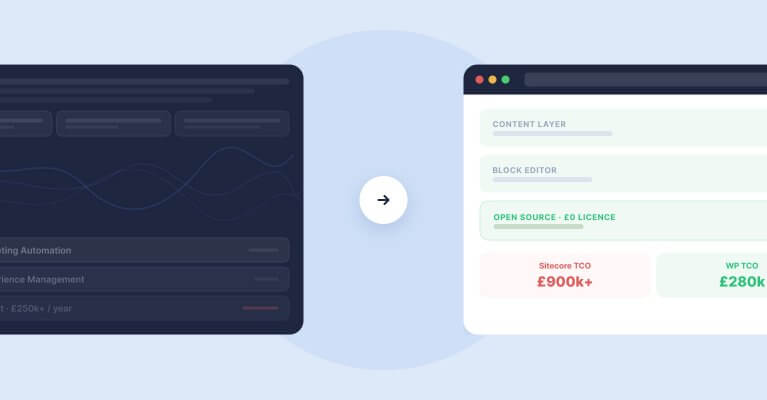
Sitecore to WordPress: What to Expect from the Migration
Your Sitecore contract renewal is approaching and the numbers no longer add up. Before you commit to a migration, here is what actually happens when enterprise teams move from Sitecore to WordPress — the real costs, the content challenges, the SEO risks, and the decisions that separate smooth transitions from expensive false starts.