How Filter Uses AI Internally: Lessons from an Agency That Builds AI Tools
20 April 2026 •
12 mins read
Monday morning. A client’s quarterly content review is in three hours. We need an audit of 47 resource pages — checking SEO metadata, identifying gaps in internal linking, and flagging posts where the messaging no longer reflects the client’s current service offering. Two years ago, that meant a team member spending most of the day in spreadsheets and browser tabs. Today, the audit runs through a conversation. Our AI Content Strategy is not a slide deck or a planning document. It is the accumulated result of building AI tools, deploying them on client projects, breaking things, fixing them, and gradually working out where AI earns its place in an agency workflow — and where it does not. This is what that looks like from the inside.
Before we get into workflows, a brief orientation. Filter has built three open-source AI tools over the past six years, and all three are now embedded in how we run the agency day to day.
PersonalizeWP started as a client-facing personalisation plugin. It still is — but its visitor analytics, audience segmentation, and lead scoring have become one of our primary sources of intelligence about how people interact with the sites we build. Filter AI automates the tedious content tasks that every WordPress site needs but nobody budgets for: alt text, meta descriptions, SEO titles, content summaries. And Filter Abilities, our newest plugin, connects WordPress to AI assistants through the Abilities API and Model Context Protocol, turning site management into a conversation rather than a series of admin screens.
We did not build these with an internal AI strategy in mind. We built them to solve client problems. The internal transformation happened almost by accident — which, as it turns out, is the most honest thing we can say about how agencies actually adopt AI.
Inside Our Content Production Workflow
Filter publishes resource articles, client stories, and news posts across our own site and client sites. The volume is not enormous — we are a 45-person agency, not a publishing house — but consistency matters and quality cannot slip. Here is where AI sits in that process and, more importantly, where it does not.
Research and Briefing
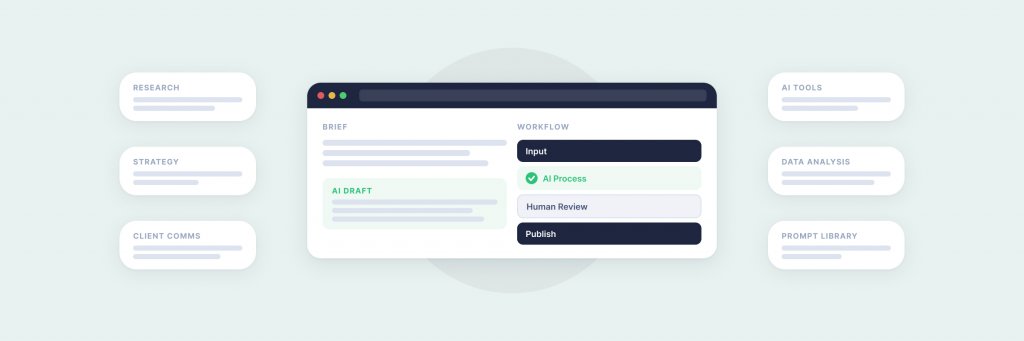
Every article starts with a brief grounded in keyword data, competitor analysis, and a clear angle. AI helps here — we use it to synthesise search intent patterns, pull together data points from multiple sources, and draft initial outlines. But the editorial angle, the “why this matters for our audience” framing, still comes from a person who understands the client and the market. We tried fully automated briefing early on. The output was competent but generic. It read like every other agency’s content. The lesson was clear: AI is useful for gathering and organising information, but editorial judgement is not a task you can delegate.
Writing and Editing
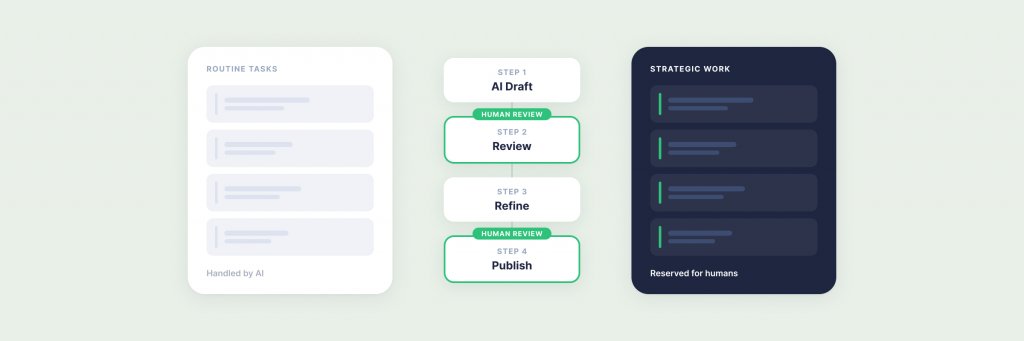
We use AI as a drafting accelerator, not a replacement for writers. A typical workflow: the writer produces the first draft with AI assistance for specific sections (data-heavy paragraphs, technical explanations, comparison tables), then edits the full piece to sound like Filter — direct, practical, grounded in experience rather than abstraction. The AI Content Strategy that actually works for us is one where AI handles the scaffolding and the human handles the voice.
The editing pass is where Filter AI earns its place. Once a draft is in WordPress, Filter AI generates SEO titles, meta descriptions, and alt text for any images. This is not glamorous work, but it is the work that consistently falls through the cracks on agency projects. Before Filter AI, roughly 30% of the images on our own site lacked alt text. That number is now close to zero — not because someone spent a week backfilling metadata, but because the plugin handles it as part of the publishing workflow.
The Bit That Went Wrong
We once ran a batch process to generate meta descriptions for 220 older posts. The AI produced descriptions that were technically accurate but tonally flat — they read like summaries rather than reasons to click. We had to review and rewrite about 40% of them. The lesson: batch automation works brilliantly for structured metadata like alt text (where accuracy matters more than personality), but it needs a tighter editorial leash for client-facing copy where brand voice is the differentiator.
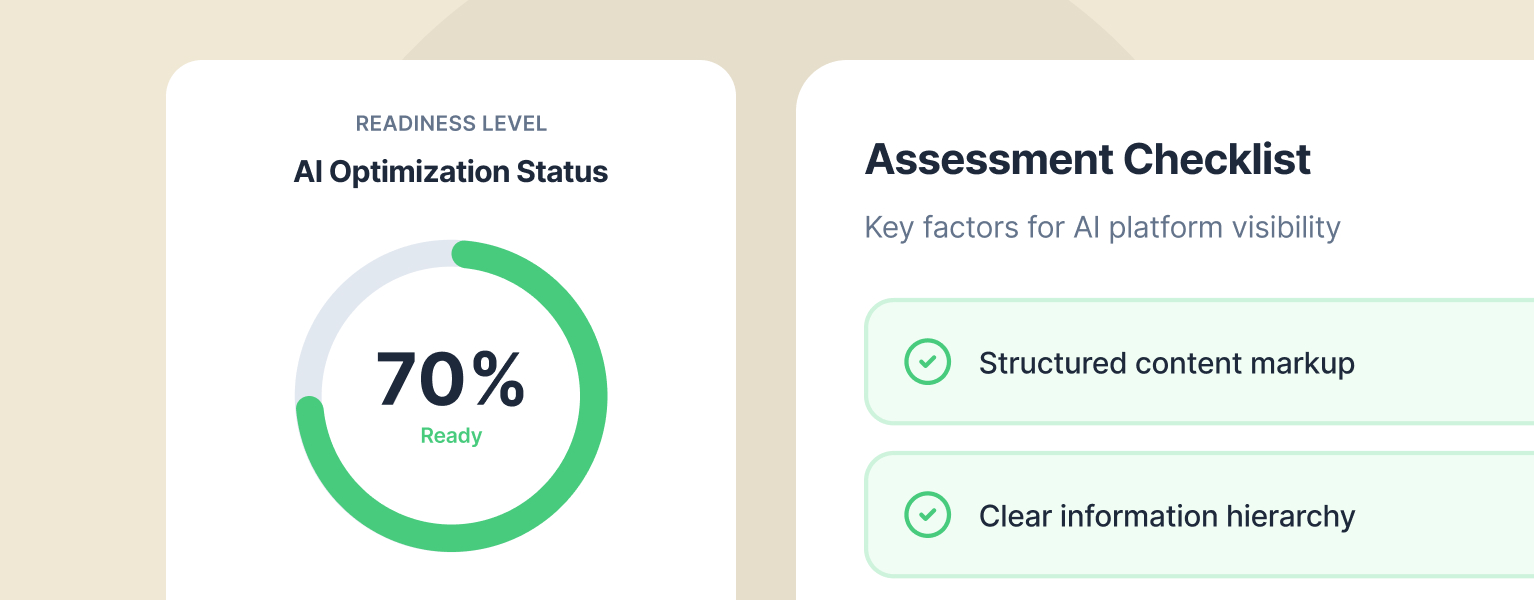
What Is An AI Readiness Assessment?
Before auditing your site for AI visibility, understand whether your organisation is ready to act on what you find.
SEO auditing used to mean exporting data from Yoast, cross-referencing with Ahrefs, building a spreadsheet, and spending half a day colour-coding cells. Now, a significant portion of that work runs through Filter Abilities and the Model Context Protocol.
Here is what the actual workflow looks like. We connect an AI assistant to the client’s WordPress site through Filter Abilities. The assistant discovers every registered ability — content management, taxonomy handling, Yoast SEO integration, media library checks. We then ask it to find published posts missing SEO titles, meta descriptions, or focus keywords. The response comes back in seconds: a list of posts with gaps, sorted by post type and publication date.
For our own site, we ran this audit across 280 posts and found that 63 were missing meta descriptions and 41 had no focus keyword set. Filter AI then generated descriptions for each, which we reviewed in batches of 20. The whole process — audit, generation, review, publication — took about three hours. The manual equivalent would have been closer to two days.
The same workflow applies to alt text. The media library audit surfaces every image without descriptive alt text. Filter AI generates alt text based on the image content and the page context. On a recent Medivet project, this flagged 180 images across a 400-page site that were invisible to screen readers and search engines. Fixing that at scale, without AI assistance, would have been a separate line item on the project scope.
Turning Visitor Data into Actionable Intelligence
This is where the combination of PersonalizeWP and Filter Abilities becomes genuinely powerful — and where we have seen the biggest shift in how we work with clients.
PersonalizeWP tracks visitor behaviour: pages viewed, visit frequency, referral sources, device types, geographic location. It builds audience segments and assigns lead scores based on engagement patterns. Before Filter Abilities, accessing this data meant logging into the WordPress admin, navigating to PersonalizeWP’s dashboard, and manually building reports. It was useful but underused because the friction of accessing it meant it was typically only reviewed in formal reporting cycles.
Now, we ask questions in natural language. “Which visitors looked at the enterprise WordPress services page more than twice this month?” “What are the top five pages visited by contacts in the financial services segment?” “Show me leads with a score above 50 who have not visited in the last 30 days.” The AI queries PersonalizeWP through Filter Abilities and returns structured answers. Account managers use this before client calls. The business development team uses it to prioritise follow-ups. Content strategists use it to identify which topics are generating the most engaged traffic.
The shift is not about having data — we always had data. The shift is about the cost of accessing it. When the cost drops to a single question, people ask more questions. And when people ask more questions about visitor behaviour, they make better decisions about content, design, and prioritisation.
Where AI Fits in Client Delivery
We are an agency that builds WordPress platforms for organisations like JD Wetherspoon and Medivet. AI has changed specific parts of how we deliver those projects — but not the parts most people expect.
It has not replaced design. It has not replaced strategy workshops. It has not replaced the conversations where a client explains what their business actually needs and we work out how to deliver it. Those are still entirely human processes, and we think they should stay that way. The value of a discovery workshop is not in the document it produces — it is in the shared understanding that forms between the client team and ours. No AI can replicate that.
Where AI has changed delivery is in the operational layer: the tasks that are necessary, repetitive, and historically under-resourced.
Content migration. When we migrate a client from Sitecore or Optimizely to WordPress — a service we deliver regularly, as covered in our CMS migration guide — there is always a content audit phase. Hundreds of pages need reviewing: is the content still accurate, does it have proper metadata, are the images optimised? AI accelerates the audit. It does not make the editorial decisions, but it surfaces the information the editor needs to make them faster.
Quality assurance. Before a site launches, we run a comprehensive check: broken links, missing alt text, incomplete metadata, orphaned pages, redirect chains. AI-assisted QA through Filter Abilities catches issues that manual checking misses — not because humans are careless, but because a 400-page site has too many places for small things to hide.
Post-launch optimisation. After launch, the combination of PersonalizeWP analytics and AI querying gives us a feedback loop that used to take weeks to establish. Within days of launch, we can identify which pages are engaging visitors, which are being abandoned, and where the content personalisation opportunities sit. This feeds directly into the ongoing optimisation work we deliver through our continuous improvement service.
Honest Failures: What We Tried and Stopped
An article about using AI internally that only reports successes is not worth reading. Here is what did not work.
AI-generated client proposals. We experimented with using AI to draft sections of project proposals. The output was polished but hollow. It used the right words in the right order without saying anything specific to the client’s situation. Proposals win work because they demonstrate that you understand the client’s problem. AI could not do that — it could only simulate understanding. We stopped after the second attempt and went back to writing proposals the slow way: from a genuine understanding of what the client needs.
Automated social media content. We tried using AI to generate social posts from our published articles. The posts were grammatically perfect and strategically sensible and completely devoid of personality. They read like a brand guidelines document had learned to tweet. Social content works when it has a human voice. Ours does now — written by people, not generated by machines.
Unreviewed batch metadata. As mentioned earlier, our first large batch of AI-generated meta descriptions had a 40% rework rate. The tool worked. The process was wrong. We needed a review step that we had skipped in the interest of speed. The corrected workflow — generate, review in batches, approve — has been reliable ever since.
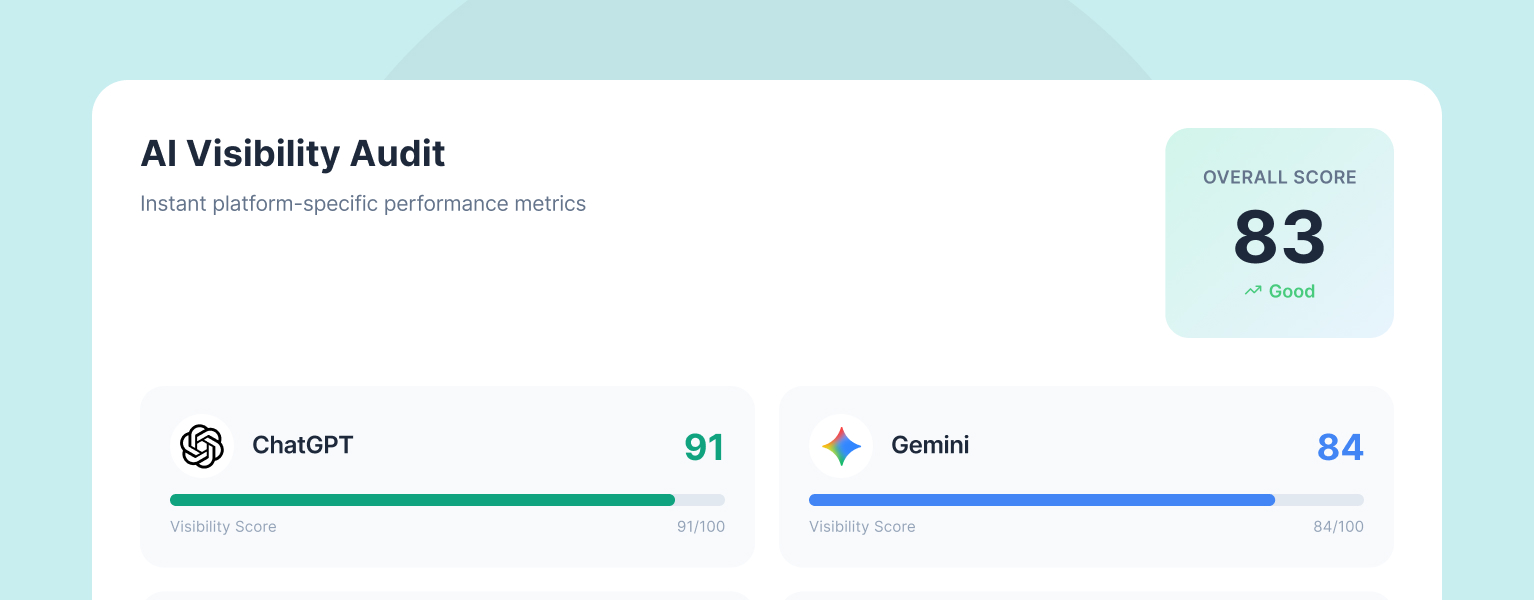
Free LLM AI Optimisation Audit
See how your website performs across ChatGPT, Gemini, Claude, Perplexity, and AI Overviews. Free, instant, and based on 90+ ranking factors.
Six years of building and using AI tools in an agency context has produced a set of working principles. These are not theoretical — they are the rules we follow internally and the advice we give to clients building their own ai content strategy.
1. Start with the tedious, not the creative. The highest-value AI applications in our agency are the least exciting: generating alt text, auditing metadata, querying visitor data. These tasks are important, under-resourced, and well-suited to automation. Creative work — writing, design, strategy — benefits from AI assistance but suffers when AI leads.
2. Build the review step before you need it. Every AI workflow that produces client-facing output needs a human review stage. We learned this the expensive way with our batch metadata project. The review step is not optional and it is not a formality — it is where quality gets maintained.
3. Integration beats isolation. AI tools that sit outside your existing workflow create friction. AI tools that live inside your CMS, your project management system, your analytics stack — those get used. Filter Abilities works because it meets people where they already are: in WordPress. The Model Context Protocol matters because it connects AI to existing systems rather than creating parallel ones.
4. Measure the time saved, not the output quality. AI-generated content is not better than human-written content. In many cases, it is noticeably worse. The value is not in quality improvement — it is in time reallocation. If AI handles the metadata, the writer spends that time making the article better. If AI handles the QA scan, the project manager spends that time on the issues that actually need judgement. The ROI is in what the freed-up time gets spent on, not in the AI output itself.
5. Your team’s adoption is the bottleneck, not the technology. We had all three tools available for months before the full team used them consistently. What changed was not a training session — it was seeing a colleague use the tool to solve a real problem in real time. Adoption follows demonstration, not instruction. If you are rolling out AI tools internally, invest in use cases, not slide decks.
6. Open source accelerates everything. Building PersonalizeWP, Filter AI, and Filter Abilities as open-source tools means they improve faster (community feedback), integrate more easily (transparent architecture), and build trust with clients who can inspect exactly what the tools do. We wrote about this philosophy in detail in our article on why we build open-source WordPress tools.
7. AI visibility is the next frontier. The content we produce — for ourselves and for clients — now needs to perform in two environments: traditional search and AI search. Our definitive guide to generative engine optimisation covers this in depth, but the short version is: structured content, clear entity relationships, and authoritative sourcing matter more than ever. An effective ai content strategy in 2026 accounts for both Google and the AI platforms that are increasingly shaping how people discover information.
What This Means for Your Business
You do not need to build your own AI tools to benefit from what we have learned. The principles transfer directly.
If your WordPress site has hundreds of pages with incomplete metadata, Filter AI can help — it is free, open source, and installs in two minutes. If you want to understand how visitors interact with your content and personalise their experience, PersonalizeWP does that without requiring a DXP-level investment. If you want to connect your WordPress site to AI assistants for conversational content management and analytics, Filter Abilities makes that possible today.
And if you want to understand how visible your website is to AI search platforms — the ones that are increasingly determining whether your content gets discovered at all — our LLM AI Optimisation Audit checks your presence across ChatGPT, Gemini, Perplexity, and Claude, and gives you a clear action plan.
The agencies and businesses that are getting the most from AI in 2026 are not the ones with the most sophisticated technology. They are the ones that started with a specific problem, found where AI genuinely helps, built a review process around it, and scaled from there. That is our approach. It is not glamorous. It works.
If you are building your own ai content strategy — or wondering where to start — our AI and personalisation services team can help. We have made most of the mistakes already. We are happy to help you skip them. Get in touch.
Having worked in agencies since he left university, Paul drives both the technical output at Filter, as well as being responsible for planning. His key strengths are quickly understanding client briefs and being able to communicate complex solutions in a clear and simple manner.
Our guide shows digital leaders and development teams how structured data earns AI citations now that systems like ChatGPT and AI Overviews, not rich results, decide visibility.
Download our practical guide to AI and WordPress, covering the new Abilities API, MCP Adapter and AI Client in core, plus how to prepare your platform for the agentic web.
Sitecore to WordPress: What to Expect from the Migration
Your Sitecore contract renewal is approaching and the numbers no longer add up. Before you commit to a migration, here is what actually happens when enterprise teams move from Sitecore to WordPress — the real costs, the content challenges, the SEO risks, and the decisions that separate smooth transitions from expensive false starts.