
In this article, we examine the top 4 benefits of making your website more accessible.
Whether you’re the administrator of an existing website or you’re thinking of creating a new one, you should be working to the Web Content Accessibility Guidelines.
Various members of the accessibility community have shared stories of colleagues saying that accessibility is not a requirement or that it doesn’t bring any benefits.
Not only is there a moral obligation to your audience to provide a universal and inclusive experience, there are various legal obligations that your business needs to fulfil.
You can read more about those obligations by examining the web accessibility guidelines, also known as WCAG. Alternatively, you can use online accessibility checker tools to see how your website shapes up or download our handy web accessibility guide for a simple explanation.
There are also a range of benefits to making your website (or other digital services) more accessible.
We have listed our top 4 below:
This might sound obvious but it’s worth pointing out that if your website or digital offerings are made to be more accessible, they will be readily available to a much wider audience.
Over 14.6 million people have a registered disability in the UK and rely on assistive technology to access the internet. Countless others may have undiagnosed conditions and use assistive tools to help them day-to-day.
To put that into perspective, even if only 5% of those registered with a disability would be interested in your products/services, that’s potentially over 730,000 new customers.
Making your website more accessible will immediately improve the User Experience (UX) in a number of ways.
If your site has been designed to be usable for everyone, regardless of their ability, it should be quicker and easier for users to find what they’re looking for. The site should also be more readable as a result, using clear language in a simple yet efficient way.
Better UX can also lead to faster loading times which helps to improve user satisfaction, making them more likely to engage with you or even make a purchase.
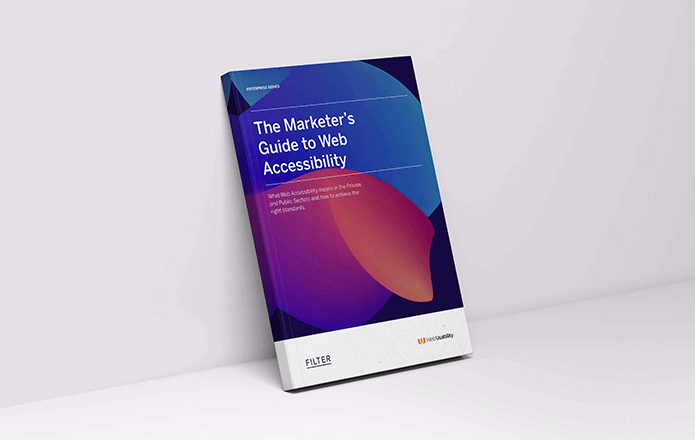
We worked closely with our partners at Web Usability to put together an extensive guide. Aiming to help modern-day marketers adhere to accessibility guidelines and standards. Download our FREE accessibility guide to learn more.
By working to the Web Accessibility Guidelines (WCAG) you will be meeting your moral (and legal) obligation to provide an inclusive and equal experience for all users – whether they have a disability or not.
For example, if you don’t add ALT Text to describe the images on your website, you will be excluding users who rely on assistive technology such as screen readers.
By putting in the work to make your site more accessible, you will be showing your audience that you are committed to providing a more user-friendly and inclusive experience. This will contribute to your corporate responsibility and should improve customer loyalty as a result.
If you use the proper structure and use well-labelled links & images within your website, this will make it easier for search engines to discover it.
Search engines prioritise websites that provide a better user experience and they also use similar tech to assistive technology to search the internet and crawl individual pages – resulting in a higher SERP ranking.
If you’d like to learn more about accessibility and the requirements in relation to both the public and private sectors, click the link at the bottom of the page to download our complete guide or click here to find out more.
Before you go, why not connect with our CEO Oliver Morrison or our CTO Paul Halfpenny on LinkedIn and follow our company page for day to day updates.

CTO & Founder
Having worked in agencies since he left university, Paul drives both the technical output at Filter, as well as being responsible for planning. His key strengths are quickly understanding client briefs and being able to communicate complex solutions in a clear and simple manner.
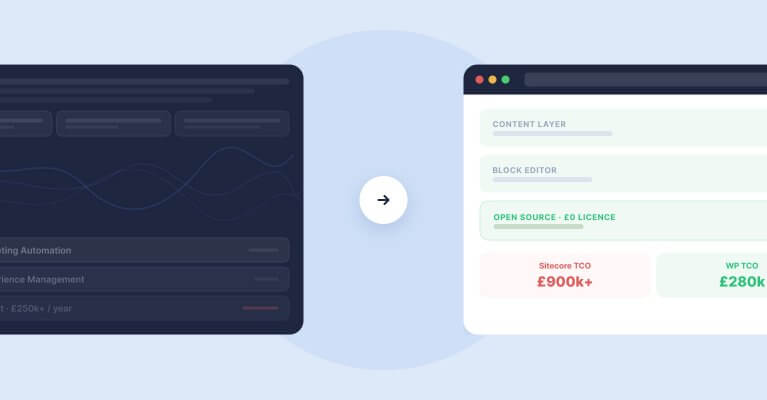
Sitecore to WordPress: What to Expect from the Migration
Your Sitecore contract renewal is approaching and the numbers no longer add up. Before you commit to a migration, here is what actually happens when enterprise teams move from Sitecore to WordPress — the real costs, the content challenges, the SEO risks, and the decisions that separate smooth transitions from expensive false starts.