
Providing a personalised experience to your audience is considered essential in the digital space and now there is an even easier way to achieve that.
In today’s highly competitive business landscape, providing a personalised experience to your audience can make all the difference.
Customers are looking for personalised experiences that cater to their own individual needs, and businesses that can deliver on this expectation are far more likely to win their loyalty.
Although personalisation is considered an essential, big CMS platforms like WordPress still don’t offer any personalisation features within WP Core. In order to solve this issue, you may want to opt for an additional plugin.
The Filter team have worked hard on our very own personalisation plugin, PersonalizeWP, which allows users to create highly personalised experiences with ease.
PersonalizeWP works with the Gutenberg editor and enables users to select a variety of different rules to show or hide content blocks.
To give you a better insight into how it could help your business, we’ve listed 5 real-world use cases below:
If your business is trying to target a new marketplace based on location, PersonalizeWP can help you to show targeted content to visitors who are based in a specific country.
For example: if you want to showcase a special offer on international shipping, you can insert a content block detailing your offer and then go to the PersonalizeWP section, select the ‘non-uk based visitor’ rule. This means the block will only show for visitors who are located outside of the UK.
If your organisation has a product that is more suitable for mobile users, you can use PersonalizeWP to specifically target visitors by the device they’re using.
For example: if your customers have given feedback that your website doesn’t work well on mobile and you decide to develop an app to make the experience easier, you can select the ‘Device Type – Mobile’ block to provide a link to download the app instead.
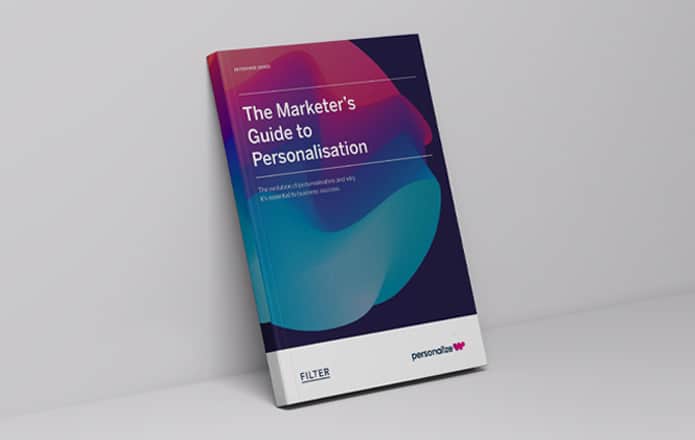
We recently released our second guide in our Enterprise Series, The Marketer’s Guide To Personalisation. This guide explores the evolution of personalisation and why it’s essential to business success.
If you’ve noticed an uptick in impressions but you need something extra for those new visitors to convert, we’ve got a solution.
In this scenario, you could insert a new content block with a discount code specifically for new visitors and then select the ‘new visitor’ rule. This will show the block only to anyone who is visiting your website for the first time and hopefully give them a nudge to make a purchase.
If you have a food-related business, you will likely have different menus or different products to suit a variety of meal times.
For example: if you have a breakfast menu which is only available from early morning until 12pm, you can add that information into a content block and then select the ‘time is morning (6am – 12pm)’ rule. Then the block will only show during the morning, in order to promote your most relevant menu.
We’ve all done it but lurkers can sometimes be annoying for businesses. If you’ve noticed that visitors spend a while on your website or on a certain webpage but they’re not purchasing anything, you can easily target that segment of your audience.
To encourage the lurkers to convert, you can easily insert a content block with a discount code or the offer of free delivery etc and then select the ’30 secs spent on page’ rule. This will trigger the content block to show up if the visitor spends more than 30 seconds on that particular web page.
These are just a handful of the many scenarios where you could use PersonalizeWP as your personalisation solution and did we mention it’s currently free to install?
If you’d like to hear more about how you could utilise personalisation in your next project, make sure to get in touch today with your team to organise a quick Filter coffee!
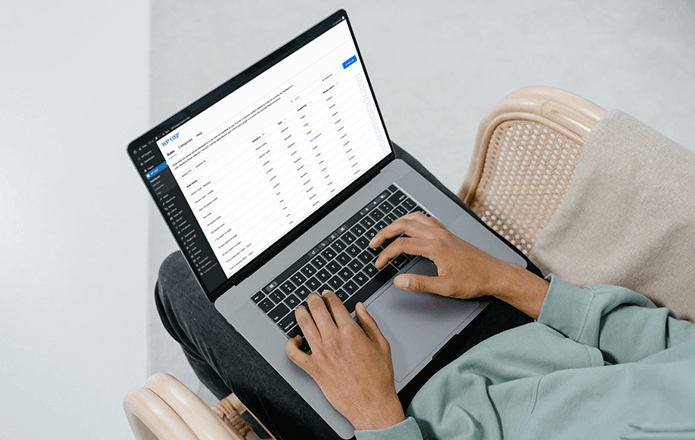
PersonalizeWP can help you to implement personalisation features within WordPress in a few easy steps. The plugin works in conjunction with the Gutenberg block editor to provide a simple and clear pathway to this functionality.

CTO & Founder
Having worked in agencies since he left university, Paul drives both the technical output at Filter, as well as being responsible for planning. His key strengths are quickly understanding client briefs and being able to communicate complex solutions in a clear and simple manner.
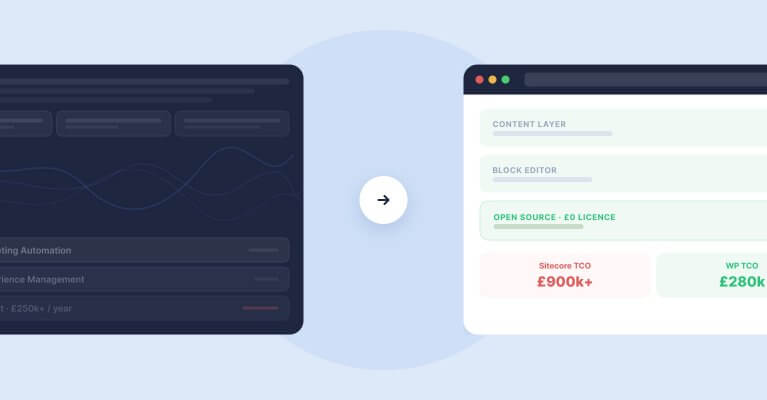
Sitecore to WordPress: What to Expect from the Migration
Your Sitecore contract renewal is approaching and the numbers no longer add up. Before you commit to a migration, here is what actually happens when enterprise teams move from Sitecore to WordPress — the real costs, the content challenges, the SEO risks, and the decisions that separate smooth transitions from expensive false starts.