There is now a wordpress AI plugin for almost every element of AI search optimisation — crawl control, schema generation, llms.txt creation, entity markup. WordPress is better positioned for AI search visibility than any major enterprise CMS alternative. The plugin ecosystem moves quickly, the REST API is open, and the tooling to implement GEO requirements already exists. The problem is that most WordPress sites are one or two default configurations away from being invisible to every major AI crawler. This article covers what to check, what to change, and where the plugin ecosystem gives you the quickest wins.
A standard WordPress site — freshly installed, running Yoast SEO, on a reputable managed host — does reasonably well for traditional search by default. XML sitemaps are generated automatically, meta titles and descriptions are handled, and permalink structures are clean enough for Google to work with immediately.
For AI search, the picture is more mixed. WordPress’s own default robots.txt file is minimal: it blocks /wp-admin/ and allows everything else. In theory, GPTBot, PerplexityBot, ClaudeBot, and Google-Extended can reach your content without restriction. In practice, three infrastructure layers commonly override that assumption: your hosting provider’s security rules, your CDN or WAF configuration, and security plugins configured aggressively.
The most common outcome: a WordPress site whose owner believes it is fully accessible to AI crawlers — nothing has been explicitly blocked — but which is silently returning 403 responses to several major platforms. This is the gap worth closing before any content or schema work begins. Our LLM AI Optimisation Audit checks for it automatically as part of a broader 90-point review.
The Cloudflare Configuration Most Teams Miss
In July 2025, Cloudflare changed its default behaviour: every new domain on a Cloudflare plan now blocks all known AI crawlers unless explicitly configured otherwise. For a while, the “Block AI Scrapers” toggle within Bot Fight Mode needed to be manually enabled. Now it is on by default.
This matters significantly for WordPress. The majority of mid-market and enterprise sites run behind Cloudflare. If your site has been migrated to a new Cloudflare zone in the past 12 months — or if a security review applied fresh defaults — there is a reasonable chance GPTBot, ClaudeBot, and PerplexityBot are being blocked before they ever reach your server. Cloudflare blocks at the edge, which means your WordPress access logs will not record them. You would have no indication anything was wrong.
The fix is straightforward: in your Cloudflare dashboard, navigate to Security → Bots → Bot Fight Mode and disable “Block AI Scrapers”. It is a single toggle, and it will typically unlock crawl access across all major AI platforms immediately. This is the first check we run on any site before any other GEO work begins.
robots.txt — A Two-Minute Check That Makes a Real Difference
Once your CDN configuration is correct, robots.txt is the next checkpoint. WordPress generates a virtual robots.txt file editable through your SEO plugin — Yoast, Rank Math, and SEOPress all provide a direct interface. By default, the file does very little blocking, but it also makes no explicit provision for the AI crawler user agents that now matter.
There are five crawler user agents worth explicitly allowing if you want full AI search coverage:
GPTBot — ChatGPT and OpenAI’s search features
OAI-SearchBot — OpenAI’s dedicated search crawler
Google-Extended — Gemini and AI Overviews
PerplexityBot — Perplexity.ai
ClaudeBot — Anthropic’s Claude
Adding explicit Allow directives for each user agent through your SEO plugin’s robots.txt editor takes under two minutes. It removes ambiguity in hosting environments that apply blanket bot restrictions, and signals clearly that AI accessibility has been considered rather than left to chance. On a site using Yoast Premium or Rank Math Pro, there are presets available. On a standard install, the rules need to be added manually — but it is four lines, not forty.
llms.txt — The New Standard Worth Adding Now
The llms.txt standard is a plain-text file placed at your site root that tells AI platforms which content to prioritise, how your site is organised, and which pages are most important. Think of it as a curated index for AI — not a replacement for your XML sitemap, but a complementary signal aimed specifically at large language models rather than search crawlers.
Google has confirmed it does not currently use llms.txt for AI Overviews rankings. OpenAI’s crawlers, Perplexity, and a growing set of AI tools do read it. On WordPress, the Website LLMs.txt plugin handles the file automatically: it builds and updates it as you publish new content, integrates with Yoast and Rank Math to exclude noindex pages, and lets you select which post types to include. Setup takes a few minutes. The file then maintains itself.
Whether llms.txt becomes a universal standard or settles as a secondary signal, implementing it now costs effectively nothing. If it matters to a platform, you are covered. If it does not, nothing is lost. For a site already using WordPress, it is one of the lowest-effort improvements available in the current GEO toolkit.
Schema — What Your Plugins Do Automatically (and What They Don’t)
Yoast SEO and Rank Math handle a solid baseline of schema generation automatically: Article schema on content pages, breadcrumb schema throughout, and Organisation schema on your homepage once the plugin is configured with your site name, logo, and social profiles. That is a meaningful starting point — and for straightforward WordPress sites with standard content types, it covers most of the essentials.
What these plugins do not cover automatically: FAQPage schema on pages with Q&A sections, HowTo schema for process and guide content, and schema for custom post types — resources, case studies, events, products — which are typically unstructured unless it has been built deliberately. Errors also accumulate on sites that have been through multiple theme or plugin changes, leaving technically broken schema on pages that appear to be fine.
Schema gaps are one of the most consistent findings in LLM audits we run. Pages that are otherwise well-structured — good content, correct crawl access, clear headings — frequently carry partial or invalid markup. AI platforms use schema to reduce uncertainty about what a page contains, who produced it, and what question it answers. When that context is absent, citation rates fall even for strong content. Running your key pages through Schema.org’s validator will surface errors quickly — many of which have been present since the last major theme update and are straightforward to resolve.
Free LLM AI Optimisation Audit
See how your website performs across ChatGPT, Gemini, Claude, Perplexity, and AI Overviews. Free, instant, and based on 90+ ranking factors.
Beyond Yoast and Rank Math, a small set of WordPress plugins now address AI search visibility directly. Not all of them are essential, but knowing what exists saves time when you are scoping what needs to be built versus what can be installed.
Filter AI — our open-source WordPress plugin — handles schema generation across custom content types, automates SEO metadata and alt-text in bulk, and surfaces content quality gaps through an integrated audit interface. For large WordPress sites with hundreds or thousands of pages, it removes the bottleneck of manual review and implementation. We use it as standard across our client work to bring large content libraries up to AI-ready baseline quickly, then maintain quality as new content is published.
The Website LLMs.txt plugin handles the new file format covered above. For robots.txt management, the Better Robots.txt plugin replaces WordPress’s virtual file with a guided interface that includes presets for AI platform user agents — useful for teams less comfortable with raw robots.txt syntax. On the schema side, Yoast Premium and Rank Math Pro both extend their free schema generation with additional types, though for custom content architectures, bespoke schema implementation tends to be more precise than generalised plugin output. A resource page, a case study, and a news article are structurally different — and that difference should be reflected in their markup.
Why WordPress Has the Structural Advantage Here
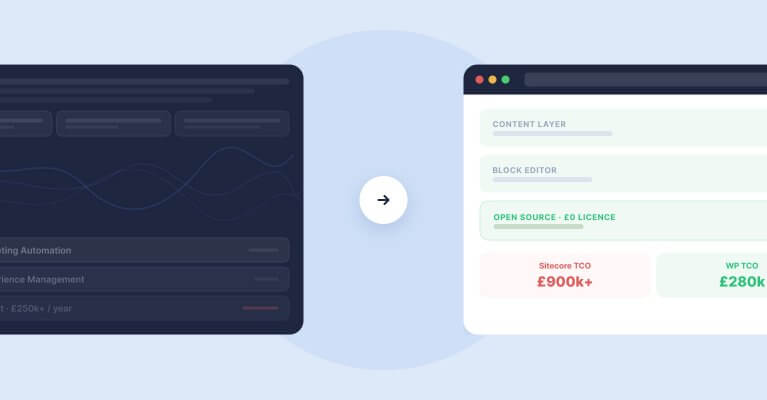
Enterprise CMS platforms — Sitecore, Optimizely, and similar — offer greater built-in control over some content governance features. But they are closed systems. When a new standard emerges — a new crawler user agent requirement, a new schema type, a file format like llms.txt — the WordPress plugin community typically responds within weeks. Platform vendors do not.
WordPress’s composable architecture means GEO requirements are implementable immediately. A new AI platform launches a crawler? A robots.txt preset will exist for it shortly. A structured data type becomes important for AI citation accuracy? The schema plugins extend to support it. The REST API and WPGraphQL ensure content is accessible to external tools and AI platforms without bespoke integration work for each one.
When we built the connection between WordPress and AI assistants using the Abilities API and MCP, we were building on top of existing WordPress infrastructure — not around it. That kind of flexibility is genuinely difficult to replicate in a proprietary DXP, where customisation is constrained by platform boundaries and licensing. For organisations on Sitecore or Optimizely evaluating a migration, the AI readiness argument is becoming as compelling as the cost and development speed arguments. Our Definitive Guide to Generative Engine Optimisation sets out the full technical picture of what AI visibility requires and why the CMS choice shapes how achievable it is.
The Definitive Guide to Generative Engine Optimisation
AI shopping assistant visibility builds on the same foundations as broader AI search visibility. Our GEO guide covers the full picture — from technical access and structured data to entity authority and how to measure your results.
How Filter Approaches AI-Ready WordPress Platforms
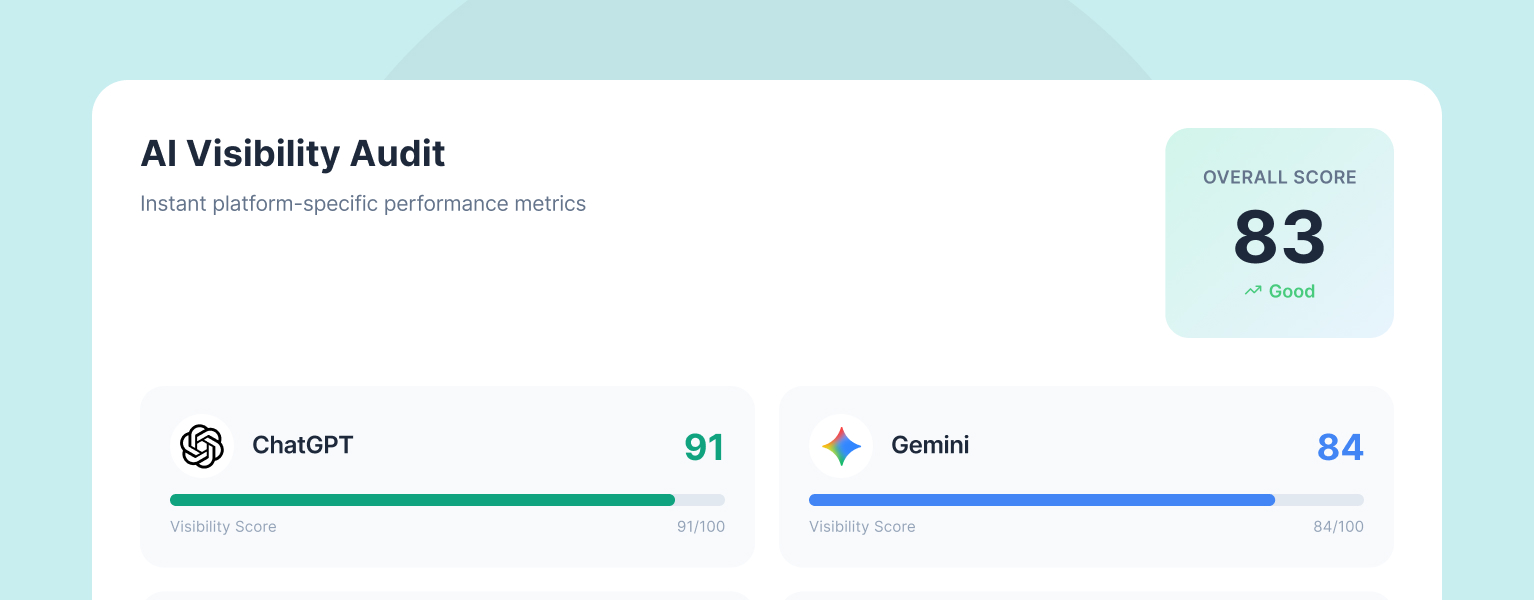
Our starting point with any new engagement is the LLM AI Optimisation Audit. It runs automatically against your site, checks crawl access for all major AI platforms, reviews schema across your key pages, and returns an overall visibility score alongside a prioritised action plan. It is free, it takes seconds, and it tells you exactly where the gaps are before any strategy work begins.
From there, we work with your team to close what the audit identifies — resolving Cloudflare and robots.txt access issues, implementing correct schema across all content types, building out llms.txt, and restructuring key pages for AI extractability. We deploy Filter AI to accelerate bulk improvements across large content libraries, and where appropriate we integrate the technical work into a wider AI content strategy that addresses both the platform foundation and the editorial approach in parallel.
We are a WP Engine EMEA Agency Partner of the Year and WordPress VIP Silver Partner, with over 20 years of experience building high-performance WordPress platforms for organisations including JD Wetherspoon and Medivet. If you want to know where your site stands right now, run the free audit. If you want to talk through what AI readiness looks like for your platform specifically, get in touch.
Having worked in agencies since he left university, Paul drives both the technical output at Filter, as well as being responsible for planning. His key strengths are quickly understanding client briefs and being able to communicate complex solutions in a clear and simple manner.
Our guide shows digital leaders and development teams how structured data earns AI citations now that systems like ChatGPT and AI Overviews, not rich results, decide visibility.
Download our practical guide to AI and WordPress, covering the new Abilities API, MCP Adapter and AI Client in core, plus how to prepare your platform for the agentic web.
Sitecore to WordPress: What to Expect from the Migration
Your Sitecore contract renewal is approaching and the numbers no longer add up. Before you commit to a migration, here is what actually happens when enterprise teams move from Sitecore to WordPress — the real costs, the content challenges, the SEO risks, and the decisions that separate smooth transitions from expensive false starts.