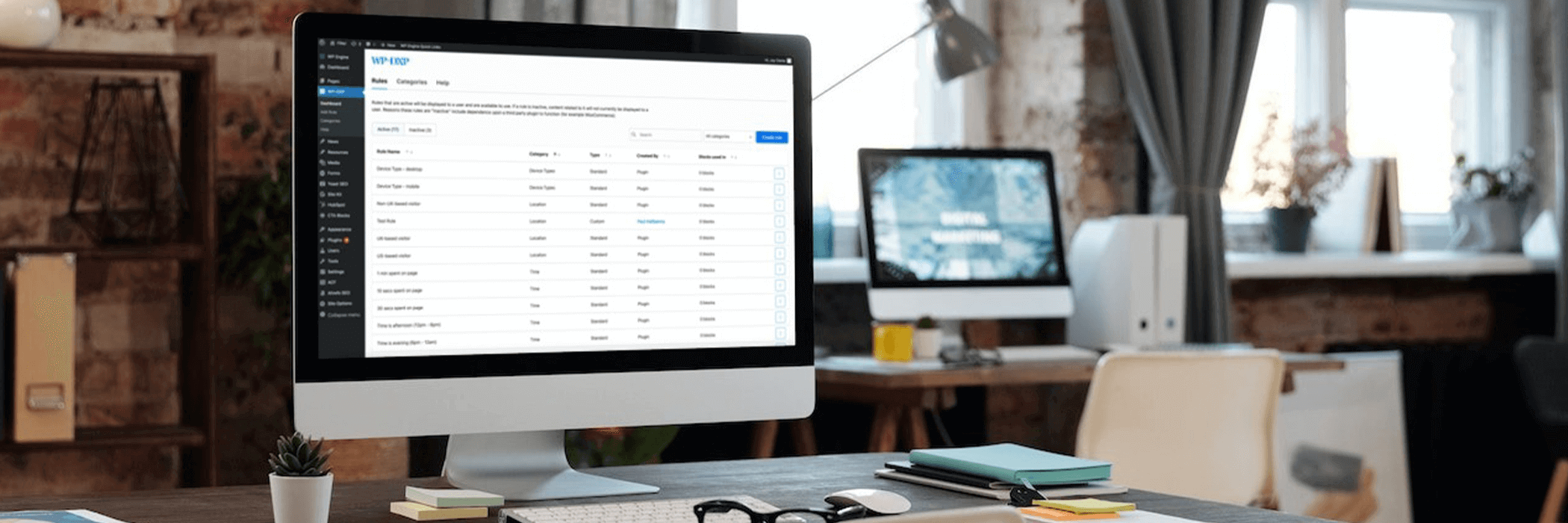
Filter unveilsPersonalizeWP 1.6, featuring a host of enhanced functionalities and an informative new website, empowering WordPress users to optimise their websites and elevate user experiences.
Edit: Please note that WP-DXP is now known as PersonalizeWP.
We are excited to announce our newest update for our personalisation plugin, WP-DXP. Version 1.6 introduces a range of exciting features, including a comprehensive dashboard, a dedicated personalisation section, improved settings and more.
Our team have been working tirelessly to enhance the plugin to ensure that we can accommodate even more functionality in the future.
We have also introduced a brand-new website which serves as a valuable resource hub for all things WP-DXP, keep reading to find out more.
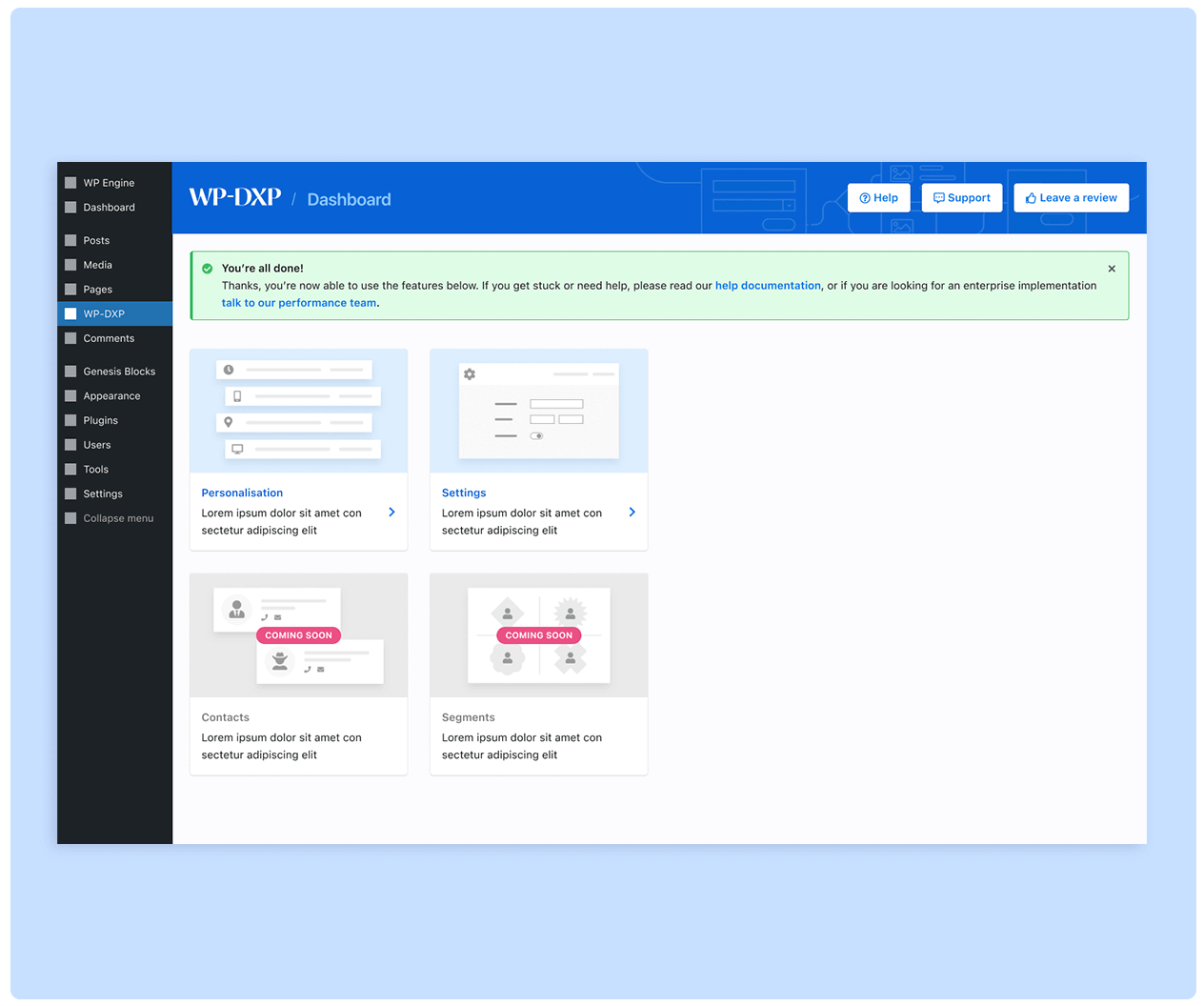
Our dedicated team have significantly expanded the capabilities of the plugin, providing website admins with a centralised Dashboard that simplifies the management of our innovative features. This intuitive interface offers an overview of your website’s performance and essential metrics, allowing for easy navigation.
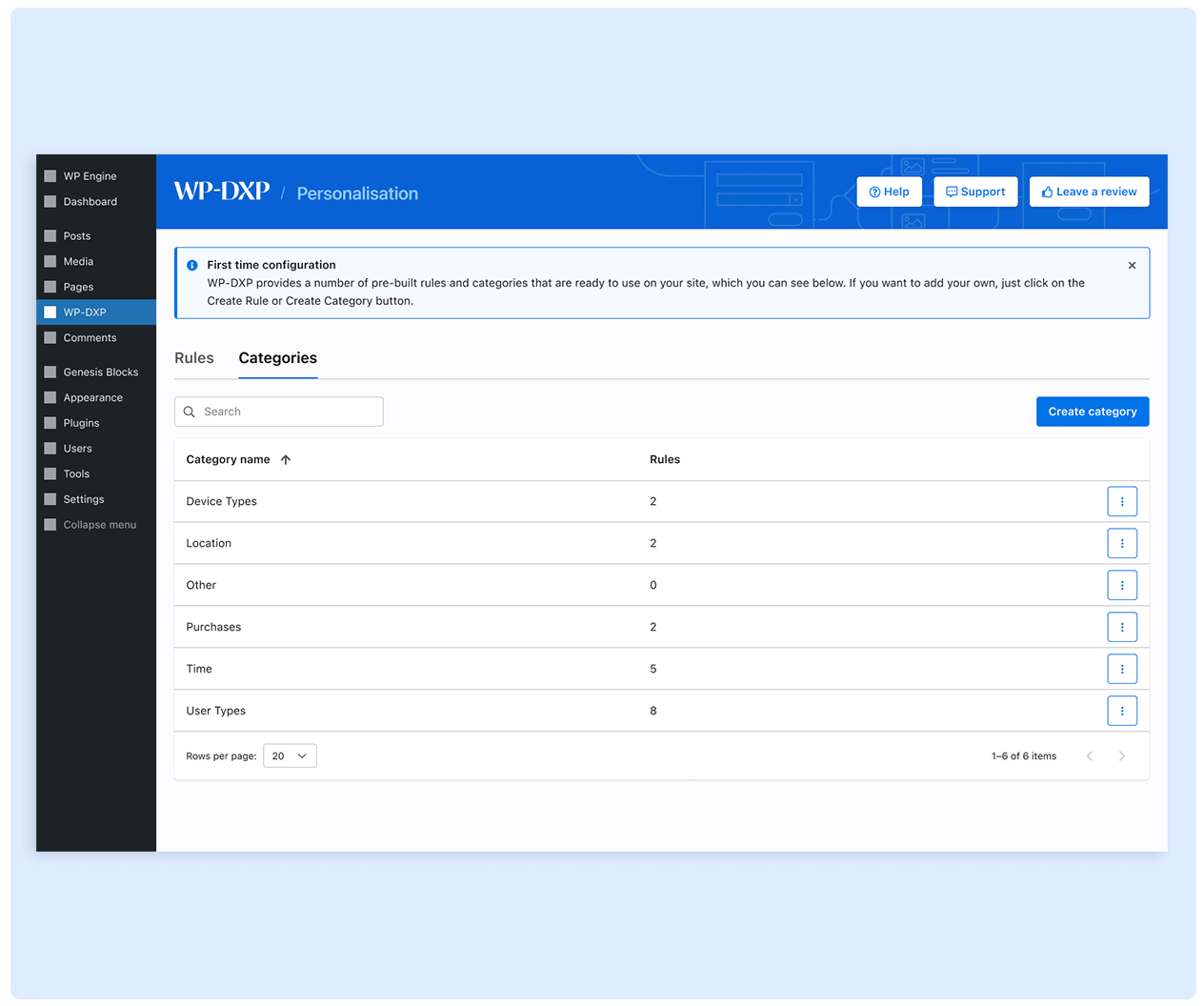
We understand the importance of personalised experiences, which is why we have introduced a dedicated personalisation section within PersonalizeWP. This exciting feature empowers you to create tailored content and design elements based on individual preferences. By offering personalised experiences to your website visitors, you can boost user engagement and improve conversion rates.
In line with our new release, we have created a brand-new website dedicated to the plugin which provides further information, as well as a knowledge base with various informative articles that answer all of the most common questions.
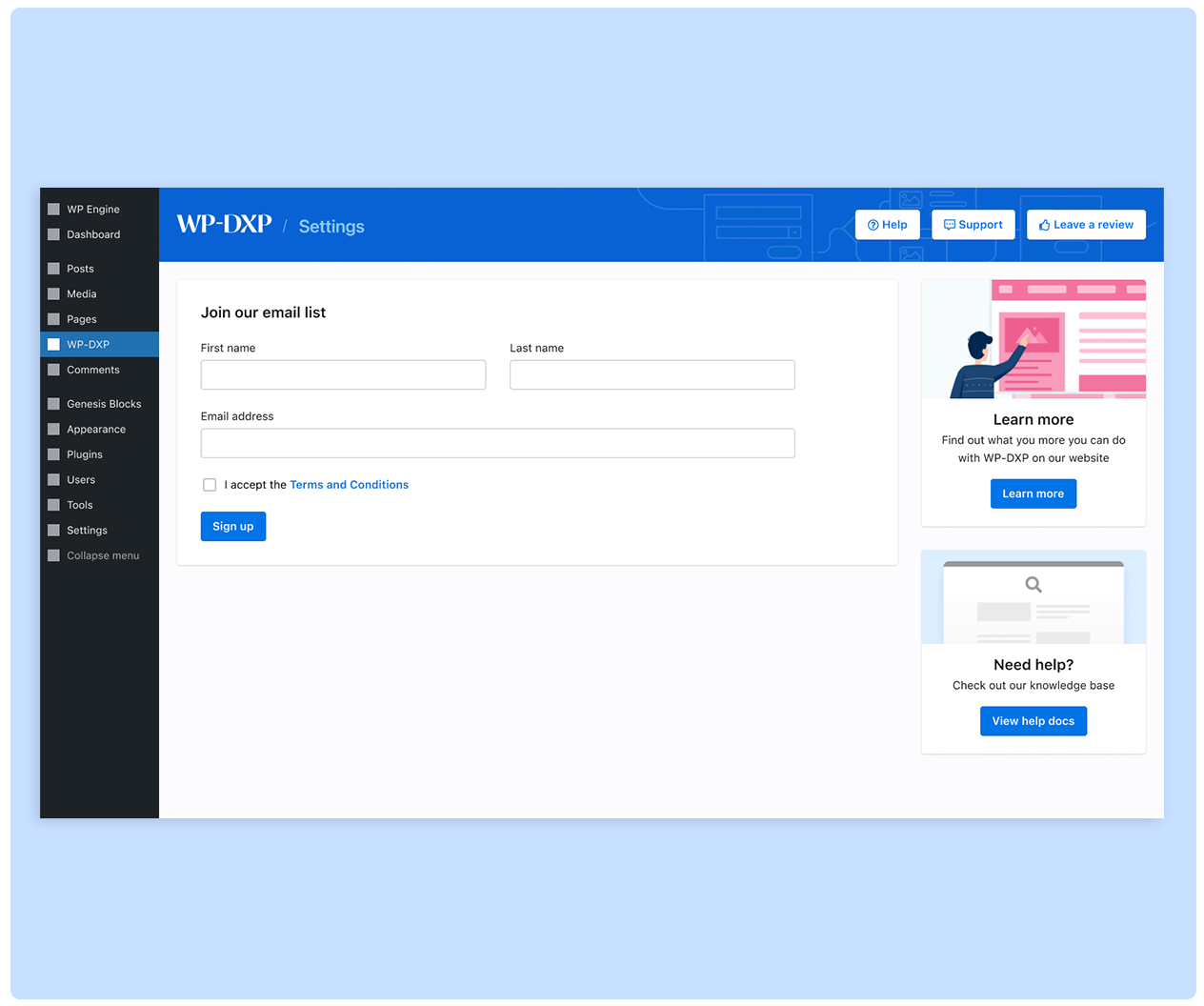
In PersonalizeWP 1.6, we have also enhanced the Settings options to give you greater control over the plugin’s configuration. This expanded settings panel allows for seamless customisation. To ensure that you stay up-to-date with our latest developments and future improvements, we have included a newsletter sign-up option within this section. By subscribing to our newsletter, you will receive timely information about new features, updates, and helpful resources related to PersonalizeWP.
Looking ahead, we are excited to share that our next release will introduce advanced functionality for tracking user behaviour on your site. This future update will enable you to store user interactions as contact records and segment contacts into specific groups. With these capabilities, you can apply personalised rules and target wider groups, ultimately enhancing user experiences even further.
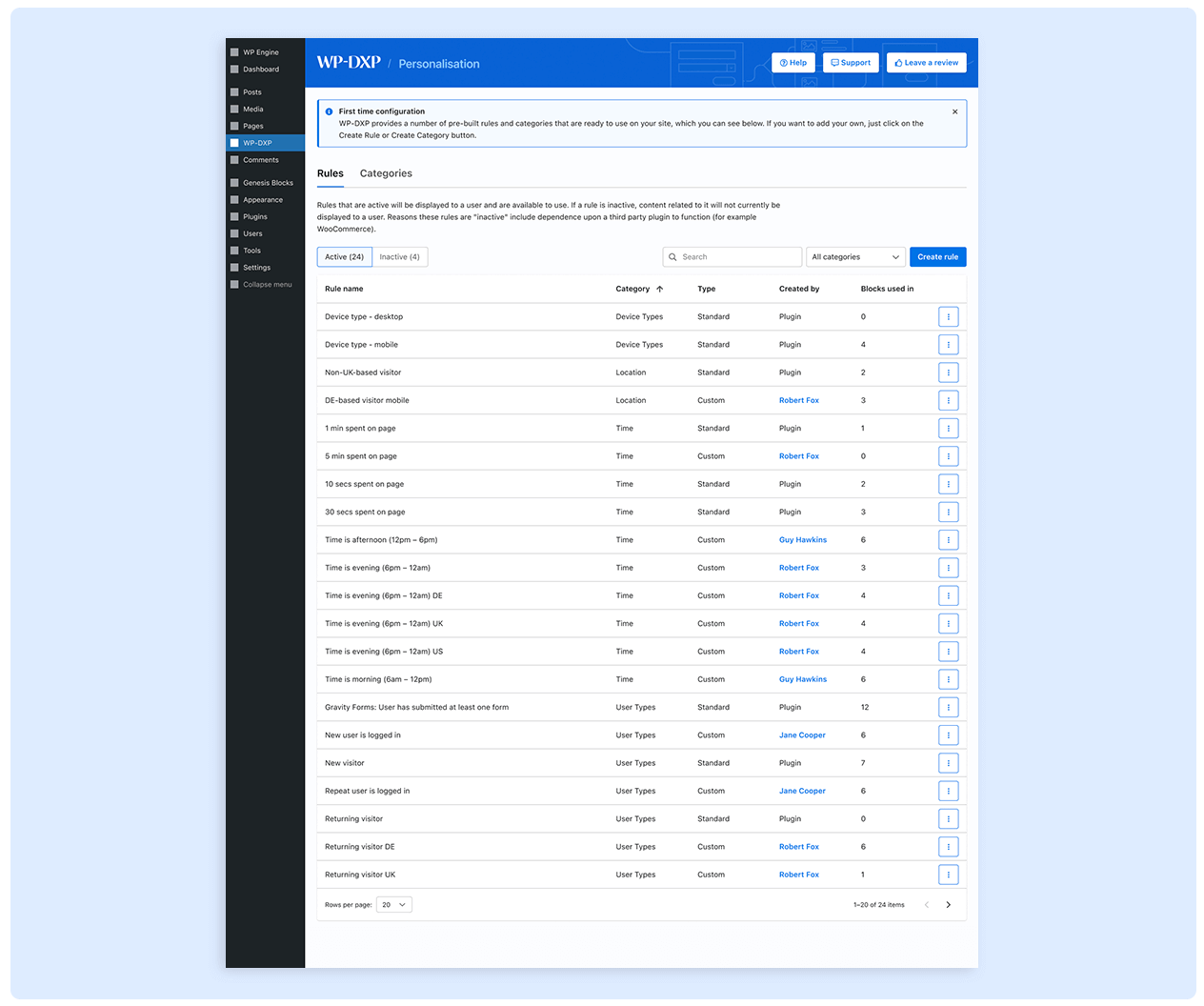
PersonalizeWP 1.6 marks a significant milestone for us at Filter. We are dedicated to continuously improving our digital solutions, and this latest release showcases our commitment to empowering website owners like you.
With its enhanced Dashboard, new personalisation section and expanded Settings options, PersonalizeWP 1.6 provides users with a comprehensive toolkit for optimising a WordPress website.
If you’d like to hear more about how you could utilise personalisation in your next project, make sure to get in touch today with your team to organise a quick Filter coffee!

CTO & Founder
Having worked in agencies since he left university, Paul drives both the technical output at Filter, as well as being responsible for planning. His key strengths are quickly understanding client briefs and being able to communicate complex solutions in a clear and simple manner.
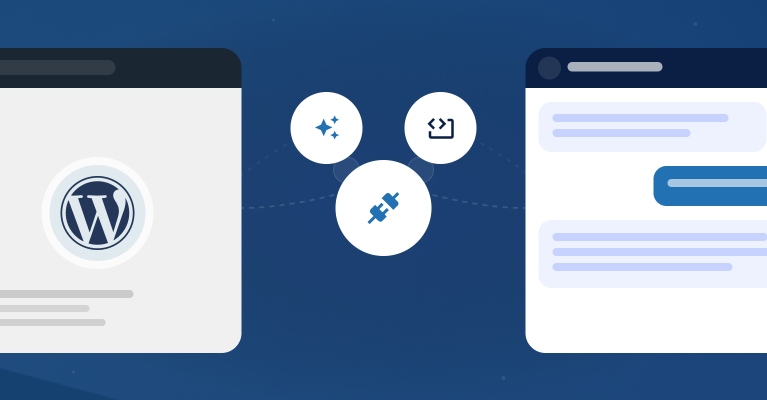
How We Connected WordPress to AI Using the Abilities API and MCP
Our open-source Filter Abilities plugin uses the new WordPress Abilities API to give AI assistants direct access to your site. This unlocks conversational commands to manage content, audit SEO, and analyze visitor data, transforming how you interact with your digital platform.

Filter’s Co-Founders Selected as BIMA 100 Judges for 2026
We are proud our co-founders will judge the 2026 BIMA 100, celebrating the UK’s top digital talent. This reflects our commitment to the digital community and our deep expertise in engineering scalable digital platforms that deliver measurable, transformative business outcomes for our trusted client partners.
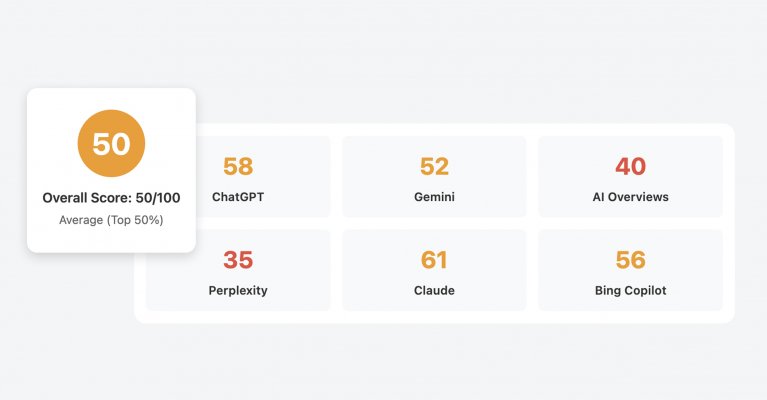
Introducing Filter’s Free LLM AI Search Optimisation Audit
We’re simplifying GEO/AIO, allowing everyone to identify simple changes to improve visibility across major AI search platforms such as ChatGTP, Gemini and Claude. What is the LLM AI Optimisation Audit? More business decisions now start with a question typed into ChatGPT, Gemini or Perplexity than ever before. Buyers research suppliers. Professionals seek recommendations. Decision-makers look...