If you’re not able to jet over to sunny San Diego for WordCamp US next week, don’t worry! We have put together a few tips to help you make the most of the event remotely.
WordCamp US will take place from the 9th to the 11th of September in San Diego, US. If you’re unable to attend in person, you can tune in remotely by watching the livestream via YouTube.
We thought we’d put together a few tips, to help you make the most of attending WordCamp US remotely:
Ask yourself, what do you want to get from the event? Whether you just want to stay up to date with all things WordPress or you want to learn more about a specific topic. Setting a goal can help you select the talks you want to listen to and plan your day accordingly.
As there are many different speakers who are participating in the event, it will be extremely beneficial to take a look at the event schedule. You should make a note of the talks you want to listen in on and then add a reminder to your calendar. You can go back afterwards but it’s often easier to listen in real time.
As with any WordCamp event, there are always a variety of different conversations taking place online. This can be a great way to get more involved in the WordPress community and make connections. Posting with the #WCUS hashtag or connecting with other attendee’s or speakers on LinkedIn is a great place to start. You can connect with our CTO, Paul Halfpenny, by clicking here.
Even after the event has ended, it’s common for the conversations to keep going for another few weeks. Most WordCamp websites continue to post blog posts and social media updates, so it’s easy to keep the discussions going and find even more connections within the WordPress community.
View the full WordCamp US speaker schedule here.
To celebrate the event, we will be publishing a range of WordPress themed articles throughout September – so make sure to keep an eye on our news section and our social media channels!
If you’d like to learn more about what we do here at Filter, you can visit our Solutions section or read through our current Client Stories here.
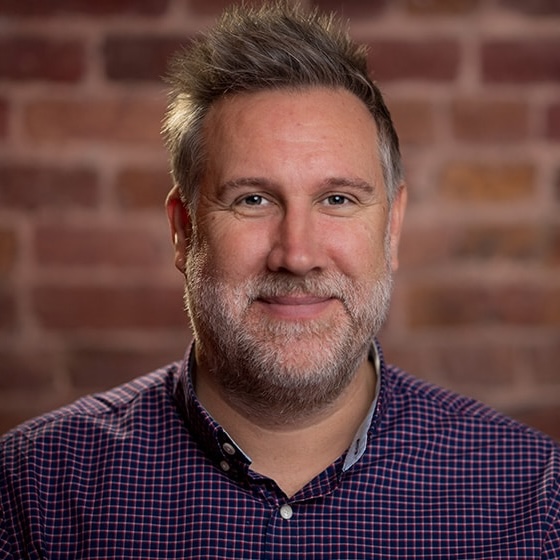
CTO & Founder
Having worked in agencies since he left university, Paul drives both the technical output at Filter, as well as being responsible for planning. His key strengths are quickly understanding client briefs and being able to communicate complex solutions in a clear and simple manner.
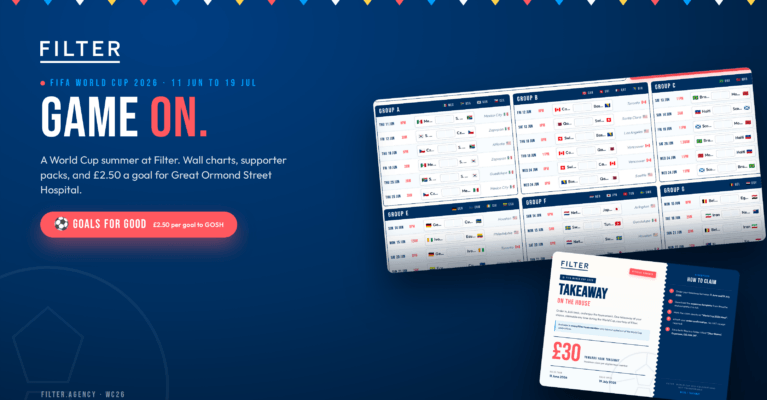
Game On: A World Cup Summer At Filter
Not everyone at Filter follows football. But everyone likes feeling part of something. Here is how we are marking the 2026 World Cup as a team, and the wall chart we built to bring it all together. FIFA World Cup 2026 The 2026 FIFA World Cup kicks off on 11 June and runs through to...